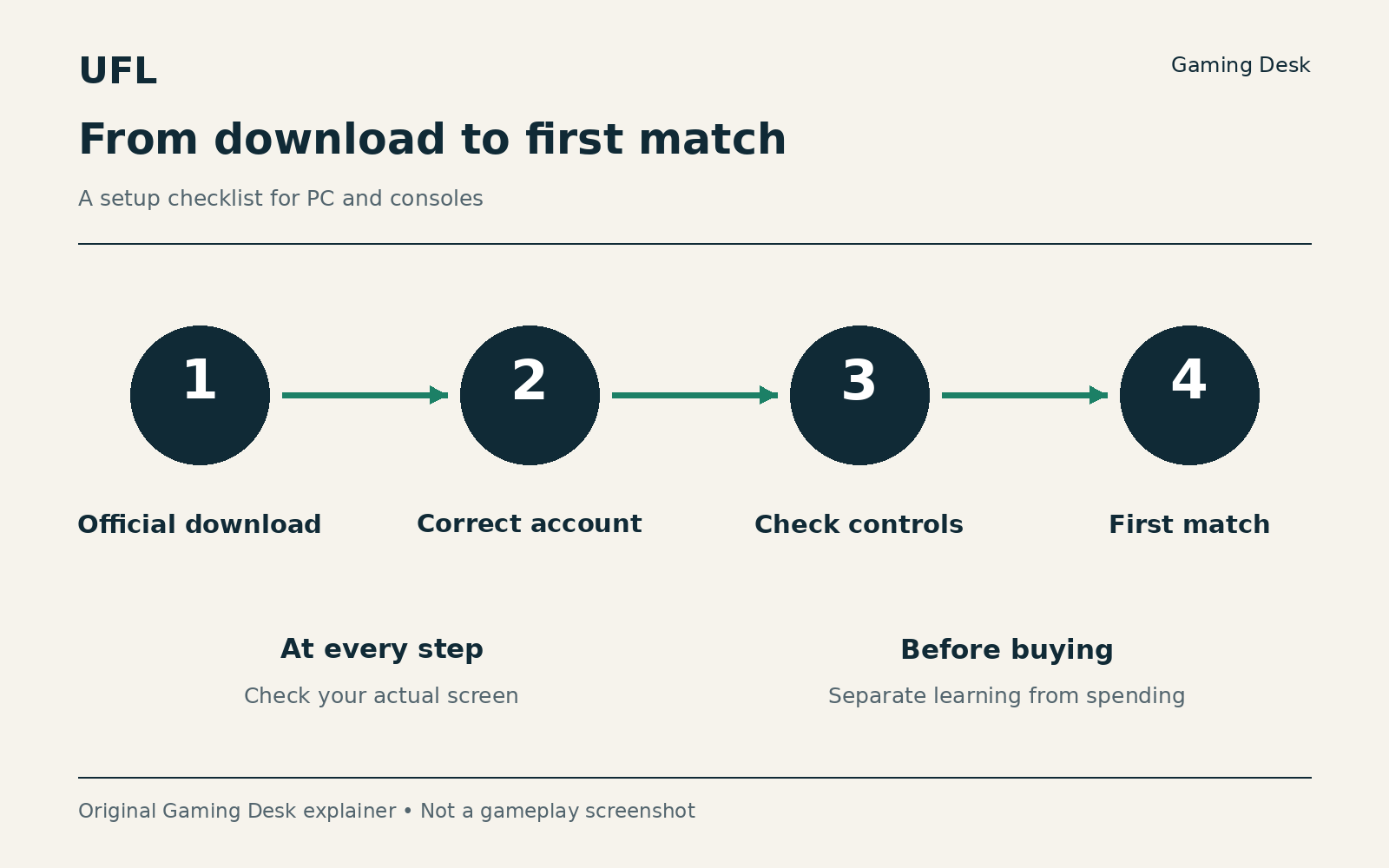
To start playing UFL you need a supported device (PS5, Xbox Series X|S or a Windows PC), free storage and an internet connection. Download through the official platform link, sign in with the right account (Strikerz ID on PC), check your control mapping, then play three first matches against the computer, each with one goal.
This article is part of our complete UFL guide, which collects all of our coverage of the game.
Checked against official sources on October 7, 2026. Labels and screens can vary by version and platform. Practice timings are editorial recommendations.
Before downloading
You need a supported device, free storage and an internet connection. This route covers PS5, Xbox Series X|S and Windows PC. Open the UFL website and choose your platform link to reach the correct product without confusing it with a paid bundle. On PC, use the installer linked by the official site. The download page identifies it as “Launcher by Gaijin.” There is no need to seek an alternative installer on download sites.
The PC shop lists these minimum requirements: 64-bit Windows 10, an i7-6700 processor, 8GB RAM, a GTX 1060 or RX 570 with 4GB VRAM, and 40GB of SSD storage. These are published entry requirements, not a performance guarantee at a particular resolution. Compare your components before downloading and leave extra space for updates.
Use the correct account
On console, make sure you are using the platform account you want to play with. On PC, the first login opens your default browser to complete authorization through Strikerz ID. Complete that process only on the official page opened by the game, read the terms and check the account before returning to the client.
Cross-play does not itself promise transfer of a club, balance or purchases. If you are moving from another device, check progress-transfer options with support before buying anything. After logging in, confirm that the displayed name and club are the ones you intend to use. The aim at this stage is clear, working account access without financial decisions.
Set up your controls
Before a competitive match, open the control settings and identify passing, shooting, sprinting, player switching, Jockey and tackling. Note the inputs shown in your current mapping. Do not automatically copy shortcuts from another football game, and check whether you selected an alternative layout. This series uses action names where there is no verified current mapping for every platform.
Spend roughly ten minutes practicing basics rather than changing several settings together. Complete five short passes, try stopping before a pass, then practice selecting a defender and returning to position. If the action is difficult to follow, adjust the view using the available options. Test one change in another match before deciding whether it helps. The desired result is knowing which action you are trying to perform.
Your first three matches
Choose computer-opponent content available to you and begin at a difficulty that leaves room to learn. In the first match, focus on possession: after losing the ball, ask whether the passing lane was open. In the second, focus on defense: try staying between the ball and goal instead of chasing every movement. Combine both tasks in the third. These are our learning exercises, not the game’s unlocking conditions.
After each match, write one sentence about what worked and what you want to change next time. Keep a similar lineup so the comparison remains meaningful. If you choose Squad League, check the rewarded-match counter and reward screen before using those fixtures for practice. Learning does not require using the entire weekly allowance.
If login or connectivity fails
For the PC “Platform operation failure” error, official support suggests testing a different default browser. In Windows settings, open Default apps, select another installed browser and make it the default. You can restore your previous preference after testing. If the problem persists, contact official support with the error text; never post your password in a public forum.
For an unstable connection, start simply: check network access, pause large downloads and test a wired connection if possible. Distinguish local picture stutter from a server disconnect and note when it happens. If the game is missing from your store, check regional availability through support. There is no need to change regions or install from an unofficial source to bypass a restriction.
When to move on
You are ready to progress when you can access your account, understand the action mapping and finish a match without guessing every button. You can then choose more practice or competition against another person. Treat purchases as a separate decision, and do not rebuild the whole squad after the first defeat.
Sources
- Strikerz Inc. — The Game
- UFL official website
- UFL official PC installer
- UFL PC shop — current requirements
- UFL — PlayStation Store
- PC — Cannot log in — Platform operation failure
- UFL — Xbox Store
- Why am I not receiving Squad League rewards?
- Unstable connection — UFL Support
- UFL availability in different regions

