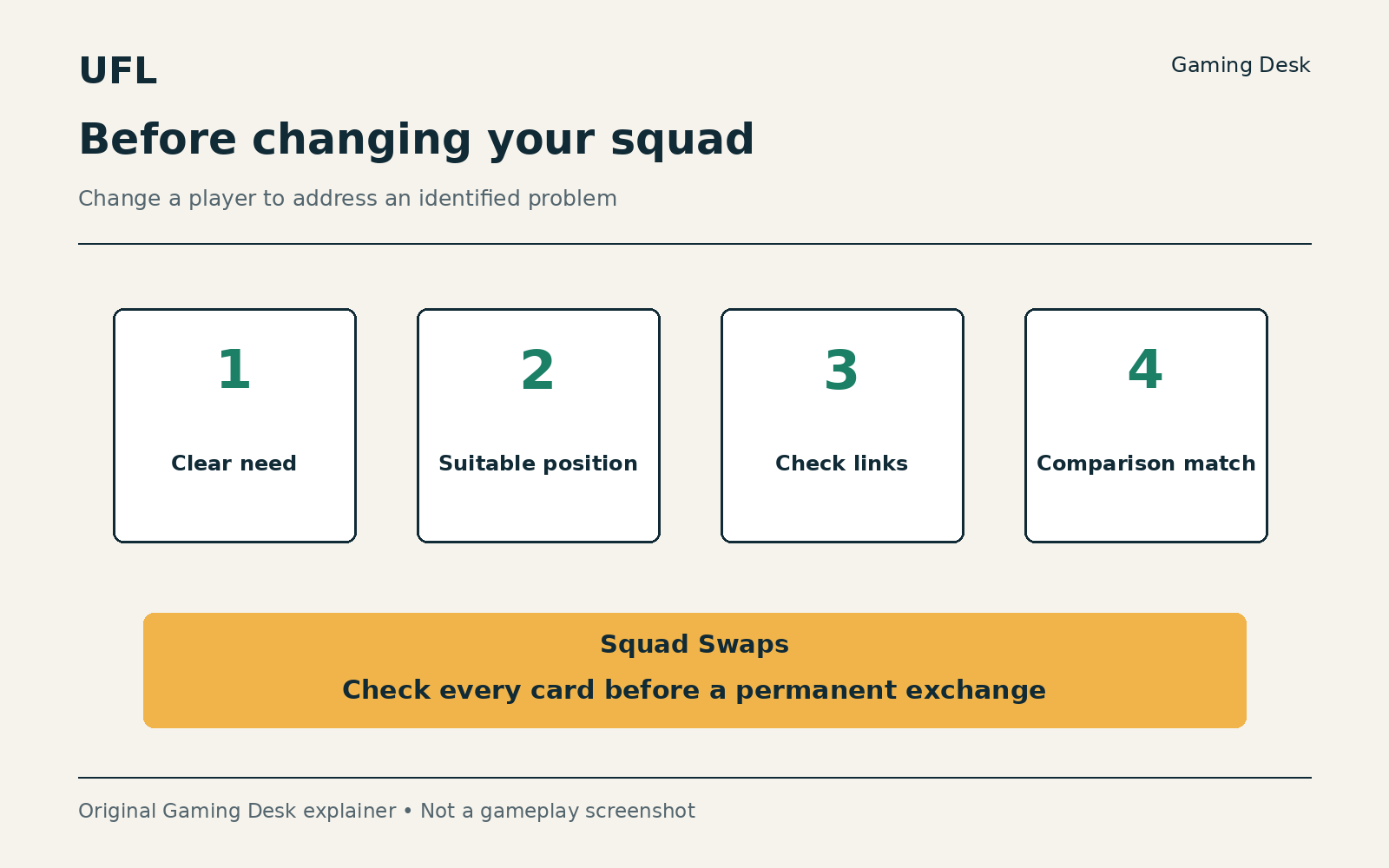
To build a UFL squad without wasting resources, start from one recurring problem, set a spending limit in advance (zero real money is an option), read the resource type, amount and outcome of every offer, compare roles and connections, and check an exchange before submitting it. Finish each upgrade with a test in a match.
This article is part of our complete UFL guide, which collects all of our coverage of the game.
For PC and consoles, checked on October 7, 2026. This is a planning method, with no promised resource-earning rate or winning lineup.
Begin with the problem the squad needs to solve
Before opening the shop or a pack, play several matches with your current squad and note a recurring problem. Are you missing an outlet from defense? Reaching the box without a receiver? Leaving one flank exposed? Choose one problem. The intended outcome is a decision you can explain, rather than a collection of purchases that is difficult to connect to a plan.
Set a spending limit in advance. It can be zero real money, using only resources earned in the game. Mentally divide resources into an immediate need, a near-term objective and a reserve. There is no magic percentage split; the point is not to empty a balance just because an item is currently available. A new reward can wait until you know what role it serves.
Read the resource and the price
The game has several resources, including CP and LP, as well as items and exchanges that use Particles. Do not treat them as one interchangeable money balance. For each offer, read the resource type, amount and exact outcome. For random rewards, open the contents and probability details; a star pictured on a pack does not guarantee that player.
There is a particular reason to be wary of old guides: a shop FAQ still describes buying Basic cards with CP, while update 0.71.4 documents the removal of that option. We therefore do not prescribe a purchasing route based on that conflicting information. Check the offer actually available in your version, rather than saving a resource for a buying method that may no longer exist.
Compare roles and connections
Open the candidate’s details and those of the player they would replace. Check a suitable position first, then characteristics relevant to your problem. Update 0.74.0 adds characteristic penalties for out-of-position use. Moving a star into an unfamiliar role simply to raise a rating therefore calls for checking the compromise you are making.
Next, check Link-Up. It uses play style, nationality and league; according to the official explanation, Basic cards do not benefit from it. Update 0.74.1.2 added a preview of the expected change to Squad Power and links when adding a card. Use that preview to compare alternatives rather than assuming that an improvement to one player automatically improves the whole lineup.
For example, if you lack an outlet in midfield, compare two midfielders you already own before looking for a new acquisition. Put each in a suitable role, check the changed links and play the same type of fixture with both options. Note how often you have a safe pass available. That does not establish the best card in the game, but it can show who helps with your problem.
Choose progression that fits your time
Build a session around an objective that fits the time you have set aside. Read the active challenges and select only those suited to your squad and the style you already want to practice. If an objective requires many resources for a reward that solves no need, skipping it is reasonable. You do not have to participate in every track.
Official support documents a Squad League cap of 24 rewarded matches per week and a Thursday reset. You can keep playing beyond that cap, but those additional matches do not grant ranking points or Squad Tokens. Before another fixture, check whether you are playing for practice or for a reward. For rewards, consider the scoring conditions and time remaining as well as the number of wins.
Check an exchange before submitting
Squad Swaps require a lineup of cards meeting the conditions and award the displayed reward. Submitted cards are permanently removed. Review every intended card: is it a starter, useful substitute, part of a link or needed for a near-term objective? Check time and completion limits too. Do not classify a card as surplus simply because its rating is low.
Before confirming, compare the reward with what you would need to replace afterwards. Stop if the exchange opens a hole in the squad or requires another unplanned purchase. Keep a screenshot of the conditions and reward to understand the decision, while remembering that a screenshot cannot restore cards. A successful step leaves you with a team you can still play.
Finish each upgrade with a test
After one change, return to a match and compare the same problem you noted at the start. If it has not improved, examine positioning and decision-making before upgrading again. That keeps the budget useful to your play and lets the lineup develop from an identified need. The first measure of success is understanding what you gained and what you gave up.
Sources
- UFL PC web store — requirements and currencies
- Update Notes 0.71.4 — Transfer Market changes
- UFL PC shop — current requirements
- Update Notes 0.74.0
- Link-Up Play Styles
- Update Notes 0.74.1.2
- Why am I not receiving Squad League rewards?
- Squad Swaps Are Here — A New Way to Build Your Club

